- Free Consultation: 866-966-5240 Tap Here To Call Us












How Los Angeles County Superior Court Case Lookup Works


Whether you’re tracking the status of your own case, researching a defendant, or simply need to verify court dates, knowing how to perform a Los Angeles County Superior Court case lookup can save you hours of frustration. The LA Superior Court system is the largest unified trial court in the United States, handling over a million cases annually, and finding specific records requires knowing exactly where to look.
At Steven M. Sweat, Personal Injury Lawyers, APC, we navigate this court system daily on behalf of accident victims and their families throughout California. We understand that clients often want to monitor their case progress or access documents without waiting for a callback. That’s why we’ve put together this step-by-step guide.
Below, you’ll learn how to search for civil, criminal, and traffic cases using official court portals, what information you’ll need to run a search, and how to request records that aren’t available online.
What you can and cannot find online
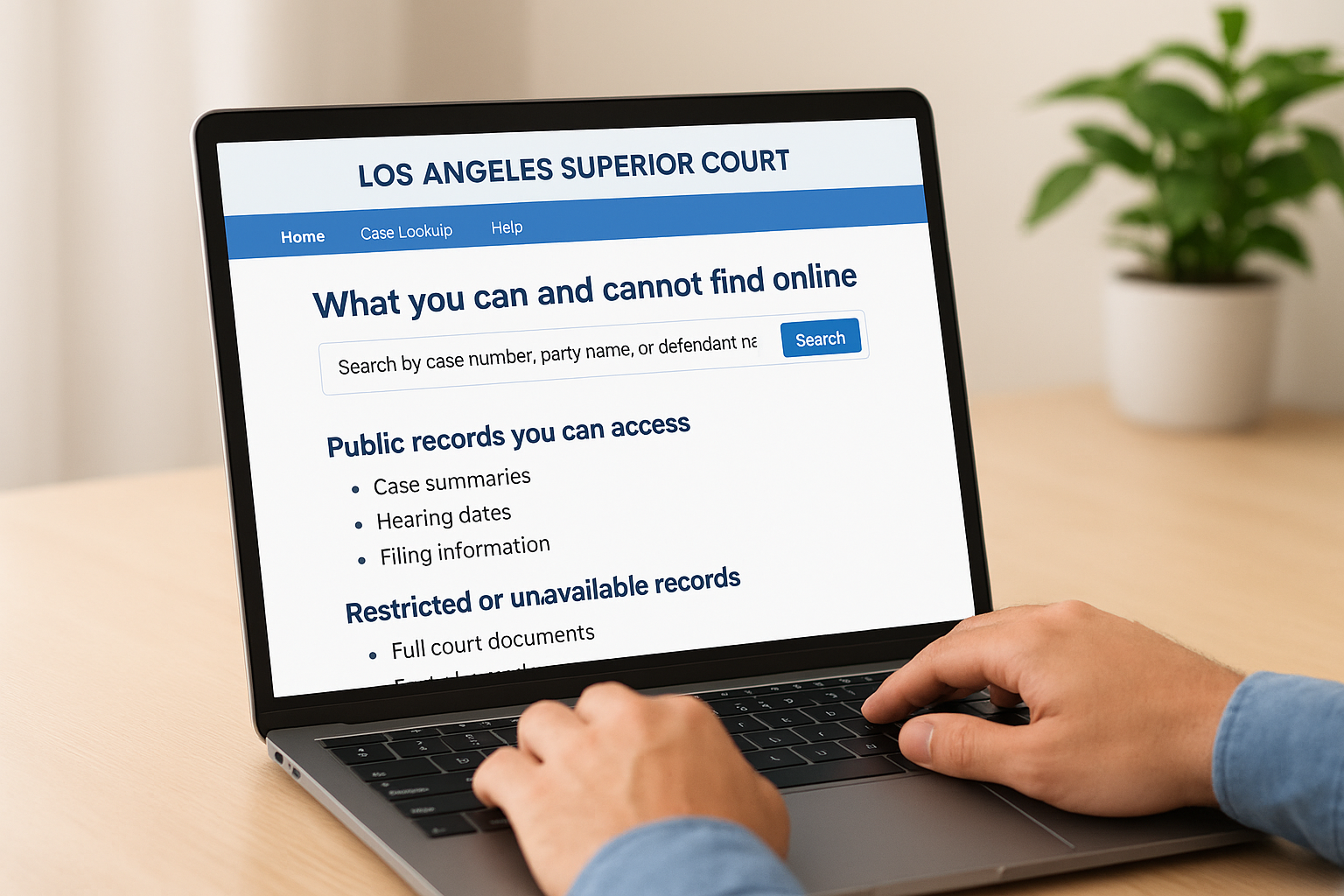
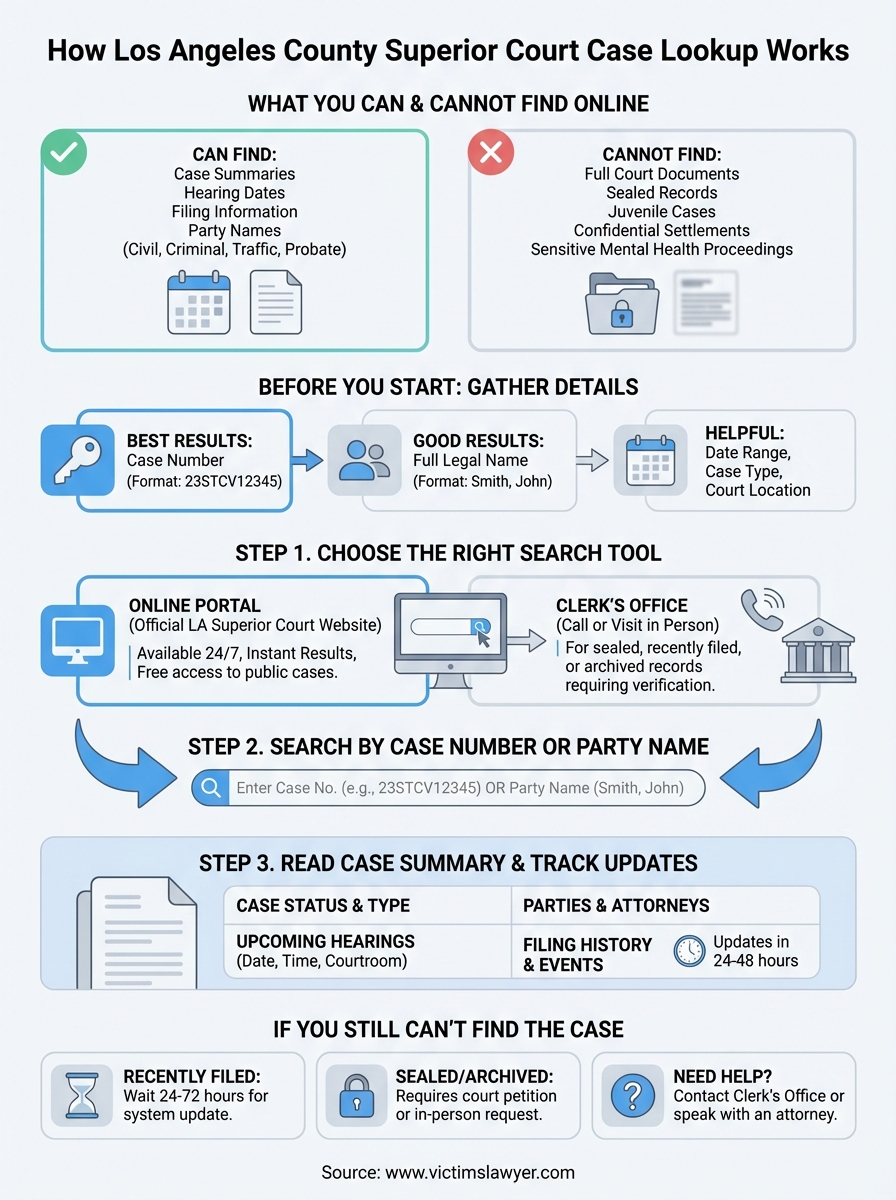
The LA Superior Court’s online system gives you access to case summaries, hearing dates, and filing information for most civil, criminal, probate, and traffic matters. You can search by case number, party name, or defendant name to pull up basic details without visiting a courthouse in person. However, the system does not display full court documents, sealed records, or certain sensitive case types.
Public records you can access
When you run a los angeles county superior court case lookup, you’ll see case status updates, upcoming court dates, and party information for standard civil litigation, including personal injury lawsuits, contract disputes, and property claims. Criminal cases show charge details, plea status, and sentencing information if the case has been adjudicated. Traffic cases display violation type, court dates, and fine amounts for moving violations and DUI matters.
You can also view probate case summaries and some family law case numbers, though family law details are often restricted. Small claims cases appear in the system with plaintiff and defendant names visible to the public.
Restricted or unavailable records
The online portal does not provide access to actual court filings, motions, or exhibits. If you need to review a complaint, declaration, or settlement agreement, you must request copies from the court clerk’s office or hire an attorney to obtain them on your behalf. Juvenile cases, adoption records, and certain mental health proceedings are completely sealed and will not appear in any public search results.
Cases involving minors or protected individuals often require a court order to access any information beyond a basic case number.
Additionally, confidential settlements and arbitration outcomes rarely show detailed results in the public system. You’ll see that a case was resolved, but you won’t see the settlement amount or terms unless those details were filed publicly.
Before you start: details to gather
Running a los angeles county superior court case lookup works best when you have specific identifying information ready before you open the search portal. The system searches millions of records, so the more details you provide, the faster you’ll locate the right case. You can search with minimal information, but having complete details prevents you from sifting through dozens of similar names or case numbers that match your criteria.
Information that speeds up your search
You’ll get the best results if you have the case number, which appears on any court document you’ve received and follows a specific format (like 23STCV12345 for a civil case filed in 2023). If you don’t have the case number, gather the full legal name of at least one party involved. Court records use formal names, so “Robert Smith” won’t pull up cases filed under “Bob Smith” or “R. Smith.”
Other helpful details include:
- Date range when the case was filed (year or month)
- Case type (civil, criminal, traffic, probate)
- Court location or district (Central, West, North, South, East)
- Attorney name if you know who’s representing a party
The more precise your search criteria, the fewer irrelevant results you’ll have to review.
Step 1. Choose the right LA Superior Court search tool
The LA Superior Court maintains multiple search systems depending on the case type you need to access. Your first decision is whether to use the online portal or request assistance from the court clerk’s office. Most people start with the online system because it’s available 24/7 and provides instant results for public cases.
Online portal for civil, criminal, and traffic cases
You’ll find the primary los angeles county superior court case lookup portal at the official LA Superior Court website under the “Case Information” section. This system covers civil cases, criminal cases, traffic violations, and probate matters filed in any of the court’s district locations. The portal requires you to accept terms of use before searching, and it runs best on desktop browsers rather than mobile devices.
The online portal is free to use and doesn’t require you to create an account or log in.
When to contact the clerk’s office
If your search doesn’t produce results online, call the clerk’s office directly at the courthouse where the case was filed. Sealed records, recently filed cases that haven’t been entered into the system yet, and certain family law matters require in-person requests or phone verification of your identity before clerks will release information.
Step 2. Search by case number, party name, or defendant
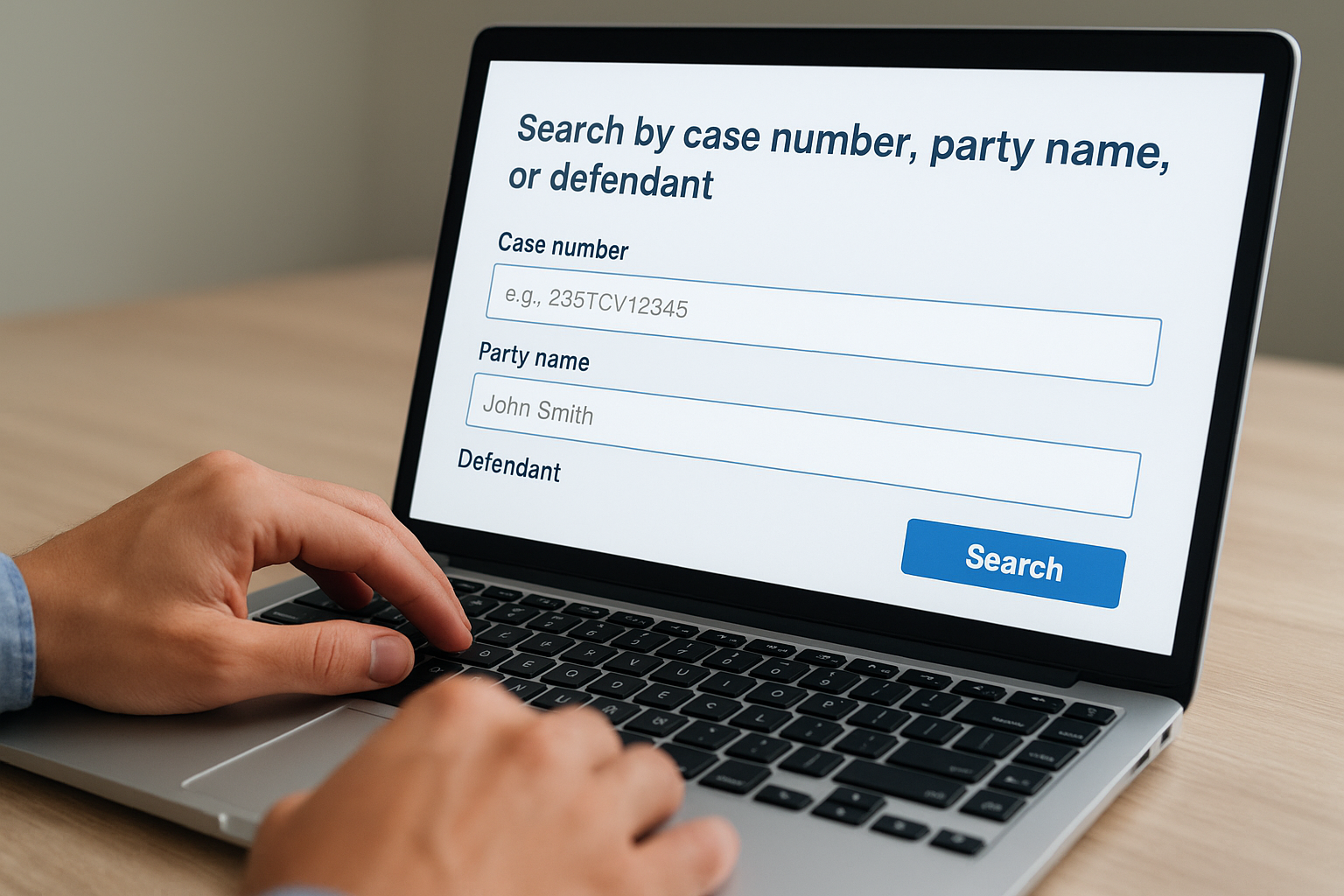
Once you’re in the online portal, you’ll see three primary search fields that let you access case records using different criteria. The case number field provides the fastest results if you have that information, while name searches work when you only know the parties involved. Each search method follows specific formatting rules, so understanding how to enter information correctly prevents “no results found” errors.
Search by case number
Enter the full case number exactly as it appears on your court documents, including letters and hyphens. Civil case numbers follow the format 23STCV12345, where “23” indicates the year filed, “ST” shows the court location (Stanley Mosk Courthouse), “CV” means civil case, and the remaining digits are the sequential case number. Criminal cases use “CR” instead of “CV,” while traffic cases use “TR.” You don’t need to add spaces or change capitalization because the system recognizes standard court formatting automatically.
Search by party name
Type the last name first, followed by a comma and the first name (Smith, John) in the party name field. The los angeles county superior court case lookup system searches both plaintiff and defendant fields simultaneously, so you’ll see all cases where that person appears. Avoid nicknames or middle initials unless those appear on official court filings, as the system matches exact legal names registered when cases were filed.
Name searches may return multiple results if the person has a common name, so you’ll need additional details like the case type or filing year to narrow results.
Step 3. Read the case summary and track key updates
After your los angeles county superior court case lookup returns results, you’ll see a case summary page that displays the most important details about the litigation or proceeding. This summary provides real-time information about case status, upcoming hearings, and parties involved without requiring you to visit the courthouse. You can access this page as many times as needed to check for new developments or confirm upcoming dates.
Key details in the case summary
The case summary displays the case number, filing date, case type, and current status at the top of the page. Below that, you’ll find a list of all parties involved with their attorney information if they’re represented by counsel. The summary also shows the judge assigned to the case and the courtroom location for hearings.
You’ll see a chronological list of events and filings that includes:
- Complaint or petition filing date
- Answer or response deadlines
- Motion hearing dates
- Trial dates and continuances
- Disposition or judgment information
Most court systems update case information within 24 to 48 hours after new documents are filed.
Tracking ongoing case activity
Check the “Next Event” or “Future Hearings” section to see when you need to appear in court or when your attorney will handle proceedings on your behalf. The system lists hearing dates with specific times and courtroom numbers, so you know exactly where to go if required to attend.
If you still can’t find the case
Some cases don’t appear in online los angeles county superior court case lookup systems because they were recently filed, sealed by court order, or archived after closure. Newly filed cases take 24 to 72 hours to appear in the database, so check back if you’re searching immediately after filing. Sealed cases require a court petition to access, while archived records older than a certain date need in-person requests at the courthouse records division with valid identification and sometimes a small processing fee.
If you’ve tried multiple search methods and still can’t locate your case information, contact the clerk’s office directly at the courthouse where you believe the case was filed, or speak with an experienced personal injury attorney who can request official records on your behalf. At Steven M. Sweat, Personal Injury Lawyers, APC, we help clients track case progress and obtain court documents throughout their legal proceedings at no upfront cost.