- Free Consultation: 866-966-5240 Tap Here To Call Us













Cedars-Sinai Medical Records Request: Step-by-Step Guide


If you’ve been treated at Cedars-Sinai Medical Center, getting copies of your treatment history is something you may need for insurance claims, ongoing care, or a legal case. A Cedars-Sinai medical records request sounds straightforward, but the process involves specific forms, authorization requirements, and timelines that can trip people up, especially when they’re already dealing with recovery from a serious injury.
At Steven M. Sweat, Personal Injury Lawyers, APC, we help injured clients across Los Angeles gather the documentation they need to build strong claims. Medical records are the backbone of every personal injury case, and Cedars-Sinai is one of the most common treatment facilities our clients use after an accident. We put this guide together based on that firsthand experience.
Below, you’ll find a step-by-step breakdown of how to request your records, what forms you’ll need, and how long the process typically takes, whether you’re requesting them on your own or through an attorney.
What you need before you request records
Before you start your Cedars-Sinai medical records request, gathering the right documents upfront saves you from delays or rejected submissions. Cedars-Sinai follows California law under the Confidentiality of Medical Information Act (CMIA), which means they verify your identity and authorization before releasing anything. Missing even one item can add days or weeks to the process.
Valid photo ID and proof of authorization
You need to confirm who you are before Cedars-Sinai releases any records. If you’re requesting your own records, a government-issued photo ID such as a driver’s license or passport is required. If you’re requesting on behalf of someone else, such as a minor child, a deceased family member, or an incapacitated patient, you must also provide legal proof of your authority, such as a birth certificate, letters of administration, or a durable power of attorney for health care.
If you’re requesting records for a personal injury claim, your attorney can submit the request using a signed authorization form from you, which often speeds up turnaround significantly.
The right authorization form
Cedars-Sinai uses its own HIPAA-compliant authorization form to process all record releases. You can download the form directly from the Cedars-Sinai Health Library section of their website. The form asks for specific details, so have the following information ready before you fill it out:
- Your full legal name and date of birth
- Date range of the treatment you’re requesting records for
- The specific record types you need (imaging, lab results, operative notes, discharge summaries)
- The name and contact details of the person or organization receiving the records
- Your signature and the date
Filling in every field completely is critical because incomplete forms are the most common reason requests get returned without being processed.
Step 1. Request records in My CS-Link
The fastest way to complete a Cedars-Sinai medical records request is through My CS-Link, the patient portal powered by Epic. If you received care at Cedars-Sinai after January 2015, most of your records are already available there, and you can download them without waiting for staff processing.
How to access and download your records
Log in at mychart.csmc.edu using your registered email and password. If you don’t have an account yet, click “Sign Up Now” and verify your identity using the activation code from your last visit summary, or request one through the portal’s identity verification screen.
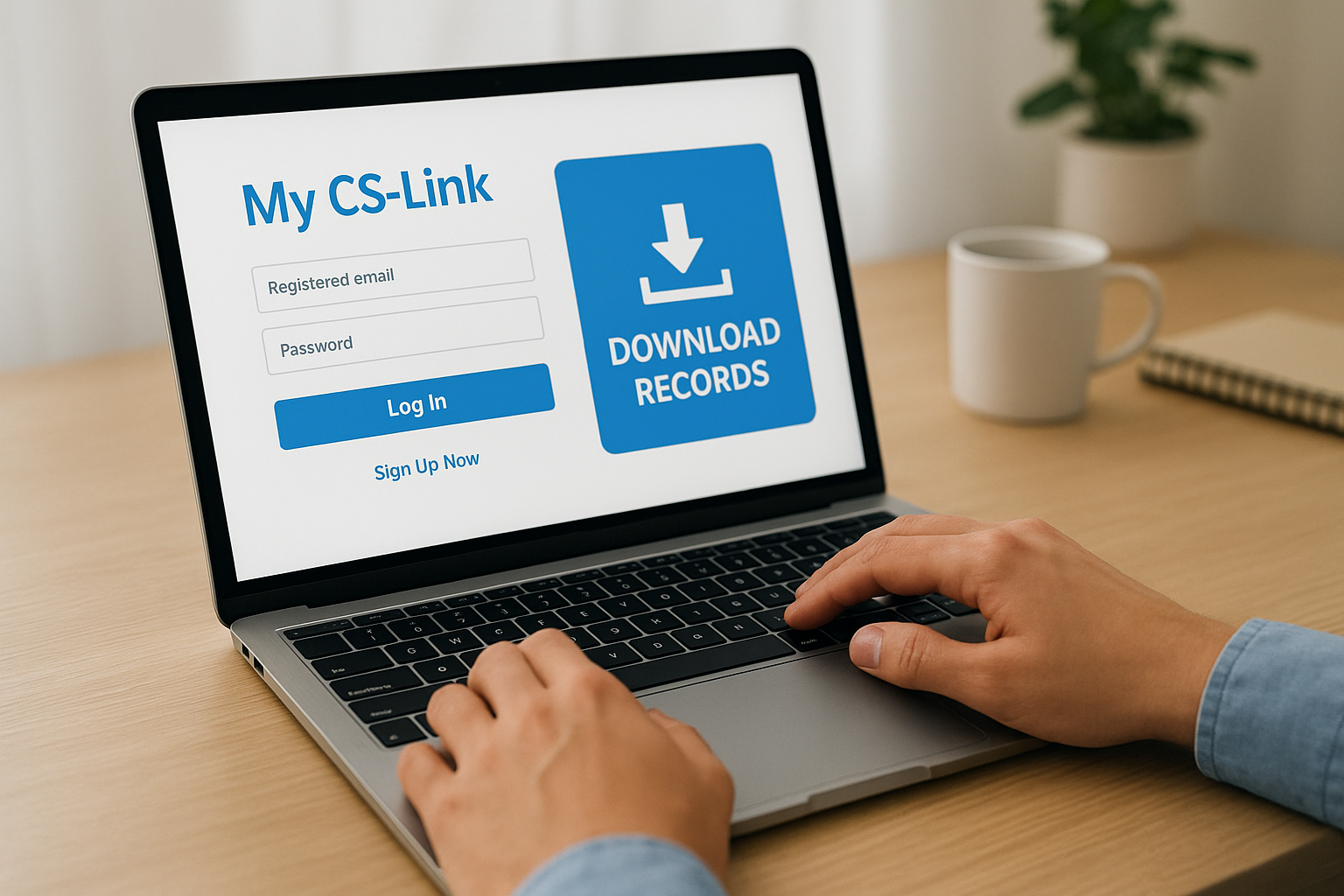
Once you’re logged in, go to the “Health” menu, select “Document Center,” and choose “Share Everywhere” or “Download My Record” to export your information in PDF or FHIR format.
Your downloaded file includes visit summaries, lab results, and imaging reports tied to your account. If you need older records predating your portal history, or records like operative notes and full radiology images, you will need to submit a separate request through the Health Information Management department, which is covered in the next step.
Step 2. Request records by fax, mail, or in person
If the patient portal doesn’t have what you need, or if you simply prefer a paper-based process, you can submit a Cedars-Sinai medical records request directly to the Health Information Management (HIM) department by fax, mail, or in person at the hospital.
How to submit your request
Start by completing the HIPAA authorization form from the preparation step, making sure every field is filled out and the form is signed. Then attach a copy of your photo ID before you send or deliver your package through one of the channels below.
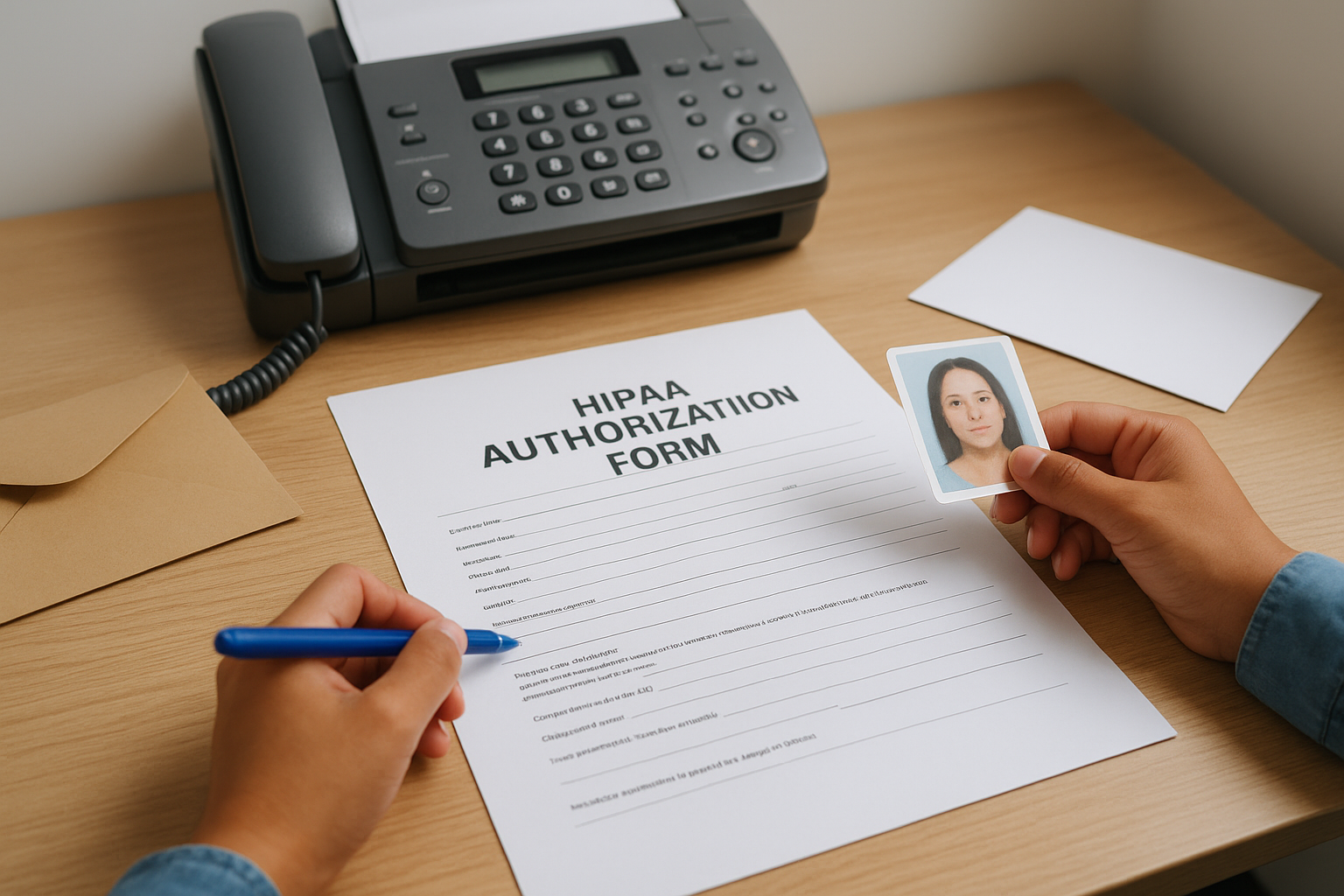
Fax submissions typically arrive faster than mailed requests, so choose fax if you’re working against a deadline.
| Method | Contact or Location |
|---|---|
| Fax | 310-423-0177 |
| Health Information Management, 8700 Beverly Blvd., Los Angeles, CA 90048 | |
| In Person | South Tower, Ground Floor, Room S-0600 |
What to expect after submitting
Cedars-Sinai logs your submission date as the start of the processing clock. Keep your own records of what you sent, so you have proof if questions come up later. Hold onto the following items:
- Fax confirmation page or mailing receipt
- Copy of your completed authorization form
- Copy of the photo ID you attached
Step 3. Handle special situations and common requests
Some situations require more than just a standard Cedars-Sinai medical records request. Knowing how to handle these cases upfront will save you from submitting incomplete paperwork and starting over.
Requesting records for a deceased family member
To request records on behalf of a deceased patient, you must submit legal documentation confirming your authority to act as their representative. A court-appointed administrator will need to provide letters of administration, while a spouse or next of kin may qualify under California’s Health and Safety Code Section 123111. Attach that documentation directly to the signed authorization form before sending it to the HIM department.
If the estate is involved in a wrongful death claim, your attorney should submit the records request to ensure the authorization language covers all required record types.
Requesting imaging files and radiology CDs
Written reports for X-rays, MRIs, and CT scans are typically included in a standard records release. However, actual image files require a separate request. You can ask the HIM department to prepare a radiology CD at the time of your submission by noting it specifically on the authorization form under the record types field. There is usually an additional fee for physical media.
Step 4. Track delivery times, fees, and problems
After you submit your Cedars-Sinai medical records request, knowing the expected timelines and costs helps you follow up at the right time without unnecessary back-and-forth with the HIM department.
Delivery timelines and fees
California law gives healthcare providers 15 business days to fulfill a records request. Cedars-Sinai generally meets that window, though complex requests involving older records or imaging can run longer. Standard fees apply under Health and Safety Code Section 123110.
| Delivery Method | Typical Turnaround | Fee |
|---|---|---|
| My CS-Link download | Immediate | Free |
| Fax or mail request | 5-15 business days | $0.25/page (paper); free (electronic) |
| Radiology CD | 7-15 business days | Additional media fee applies |
If you have a legal deadline approaching, alert your attorney right away so they can send a formal written request that flags the urgency directly to the HIM department.
What to do if your request is delayed or denied
If you pass the 15-business-day mark without receiving your records, call the HIM department directly at 310-423-0177 and reference your original submission date and fax confirmation or mailing receipt. If Cedars-Sinai denies your request, they must provide a written reason under California law, and you can file a complaint with the California Medical Board if the denial is unjustified.
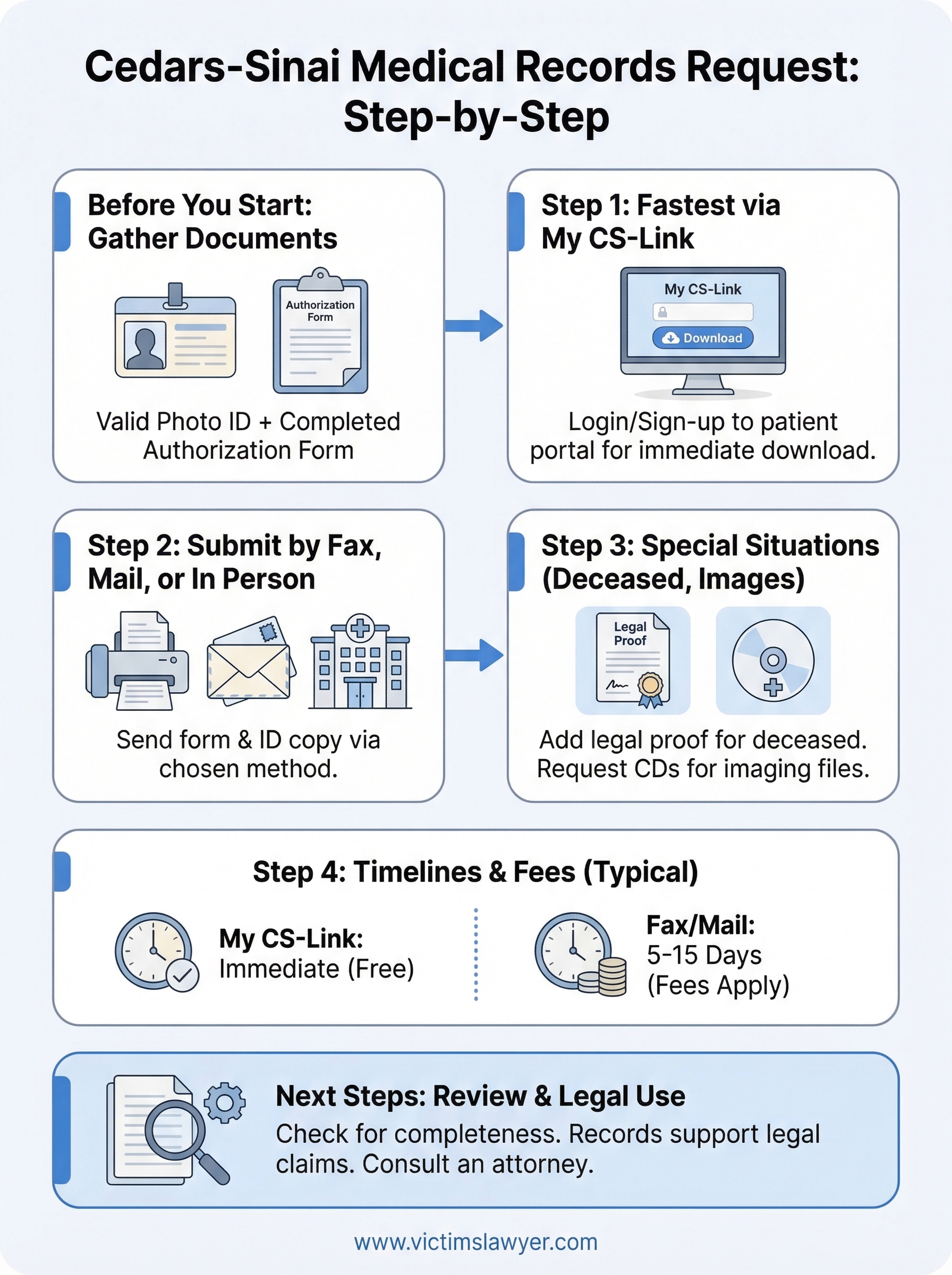
Next Steps
Once you complete your Cedars-Sinai medical records request, review everything you receive against your initial request list to confirm nothing is missing. Incomplete record sets are common, particularly when care spanned multiple departments or facilities, so verify that lab results, imaging reports, and physician notes are all accounted for.
Your records carry real legal weight if you were injured due to someone else’s negligence. Medical documentation from Cedars-Sinai can establish the nature and severity of your injuries, connect your treatment to the incident, and support the compensation you deserve. Holding onto every page matters.
If you were hurt in an accident and want to understand what your records actually mean for your case, talking to a personal injury attorney is a practical next step. Contact Steven M. Sweat, Personal Injury Lawyers, APC for a free consultation and get clear answers about your legal options without any upfront cost.